
Blog Cover Examples Worth Stealing
Seven cover layouts you can copy, each one built to survive the thumbnail.

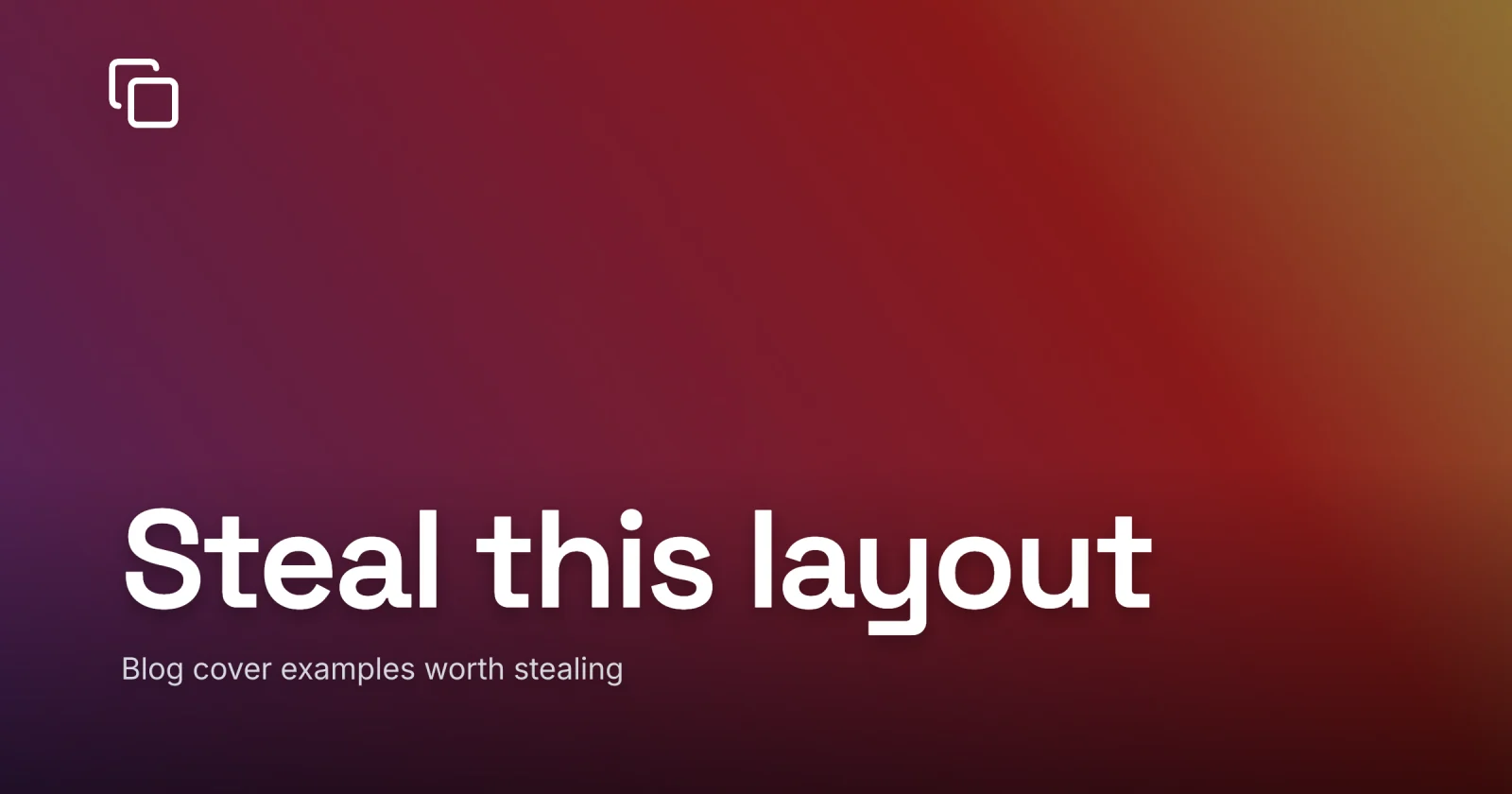
Most “blog cover examples” posts hand you a wall of pretty pictures and leave you exactly where you started, because a pretty picture is not something you can reuse. What you actually want to steal is the layout underneath - the handful of compositions that carry almost every cover you will ever make, each one built to do a single thing loudly and still read at thumbnail size. That is the whole answer; the rest is the seven patterns and when to reach for each.
I keep these in my head as shapes. When a new post needs a cover, I am not searching for inspiration - I am picking which of seven frames fits the post, dropping in a subject and a title, and shipping. The art changes every time. The skeleton almost never does. Here is the set worth memorizing, and for the why behind any of them, what makes a good blog featured image is the craft pillar these all lean on.
The patterns at a glance
Seven shapes, and the post type each one fits:
| Pattern | What it is | Reach for it when |
|---|---|---|
| Big word on a photo | Short title over a single image | the post has a strong visual subject |
| Statement on color | Bold type on flat or gradient fill | the idea is the hook, no photo needed |
| Icon plus label | One glyph and a few words | a how-to, a category, a quick tip |
| Number hero | A figure or stat doing the shouting | a list, a result, a benchmark |
| Portrait plus name | A face with a name beside it | interviews, founder notes, personal posts |
| Split block | Color half, type half | a clean editorial look, fast to build |
| Repeating motif | One fixed frame across a series | a running column or a whole blog |
Read it as a menu. The trick is knowing which row the post belongs to before you open the editor, then reusing that layout instead of redesigning from scratch.


1. The big word on a photo
This is the original, the one everyone pictures when they hear “blog cover”: a single strong photo with three or four words of heavy white type sitting over a quiet corner of it. A mountain ridge and the word “Altitude.” A close-up of hands at a keyboard and “Ship faster.”
It survives the thumbnail because it has exactly two things to read - the subject and the word - and at feed scale two is the ceiling. It earns the click because the photo pulls the eye and the word lands the hook in the same beat. Reach for it whenever the post has a genuine visual subject and you have a photo strong enough to carry the frame on its own.
The one thing it asks of you is contrast. White type over a busy photo is where most covers fall apart, so sit the text over a gradient scrim rather than raw over the image - the full method is in keeping text readable over a photo.
2. The statement on flat or gradient color
No photo, just a bold line of type on a single color or a clean two-stop gradient. “Stop A/B testing your headlines.” “Your database is the bottleneck.” The whole cover is the sentence.
This is the fastest cover in the set and often the loudest, because nothing competes with the words. A gradient reads richer than a flat fill and gives the eye somewhere to travel, so it is my default over a dead-flat block. Best when the idea is the draw and a photo would only be decoration - opinion pieces, contrarian takes, announcements, anything where the headline is the product.
The risk is monotony across a run of posts, since flat-color covers all share a family resemblance fast. Vary the color per category or per post and rotate the type placement, and a series of them reads as a deliberate house style instead of a template you forgot to change.
3. The icon plus short label
One simple glyph and a few words. A terminal prompt and “Shell basics.” A lock icon and “Auth, explained.” The icon does the recognizing; the label does the naming.
It reads at any size because an icon is built to be legible small - that is the entire job of an icon - and a two or three word label is nothing to parse. This is the workhorse for instructional content and category art: tutorials, docs, a tag page, a quick-tip post. When you have forty how-tos to cover and no budget for forty photos, a consistent icon system is how you give each one a clear, on-brand face in about a minute.
Keep the icon set from one family so the weights match, and let the icon be the only image on the cover. The moment you stack an icon over a busy background it stops reading as a clean label and starts reading as clutter.
4. The number or stat hero
A single figure doing the shouting, sized huge. “7 fonts.” “92% faster.” “$0.” The number is the largest thing on the cover and the rest of the type plays support.
Big numerals read from across a room, which is most of why this one works at thumbnail size - a “7” or a “92%” is legible at sizes where a sentence has long since blurred. It also sets an honest expectation: a list post promises a count, a benchmark promises a result, and putting the figure on the cover is the click and the contract at once. Use it for listicles, performance write-ups, pricing posts, and anything with a headline number worth leading with.
Set the figure in your heaviest weight and let it dominate; if the supporting words are fighting the number for size, you have built two covers in one frame and neither wins.
5. The portrait plus name
A face on one side, a name and a line of context on the other. “In conversation with Dana Reed.” “Notes from my first year as a founder.” The human is the subject and the layout just frames them.
Faces pull focus harder than any other subject, which is exactly what you want for interviews, guest posts, founder updates, and personal essays - the cover promises a person, and people stop scrolling for people. It reads small because a face is the one image our eyes are wired to find instantly, even at tile size. Crop reasonably tight so the face still carries at 200px, and give the name a clean, high-contrast strip to sit in rather than floating it over the portrait’s busiest area.
This is the pattern that most rewards a real photo over stock. A genuine portrait of the actual person reads as a real conversation; a polished stock headshot reads as a placeholder, and readers clock the difference in a glance.
6. The split block
Divide the canvas: color or photo on one half, type on the other. The text never touches the image, so contrast is automatic and you skip the whole scrim problem. A teal left panel with the title in white, a product shot on the right. A photo up top, a solid band of type below.
It is the cleanest editorial look in the set and one of the fastest to build, because the hard part of cover design - making text readable over a photo - simply does not come up when the text has its own panel. It reads at any size because each half is doing one job in its own space. This one is for when you want a crisp, magazine-cover feel without fighting contrast on a busy image.
The split also flexes into a system beautifully: fix the divide and the type panel, swap only the photo and the title, and you have the bones of a recognizable series. Which is the cue for the last pattern.
7. The repeating branded motif
This is less a single cover than a frame you commit to and reuse: the same layout, the same one or two typefaces, the same logo in the same corner, on every post. Only the title and the subject change. After a dozen posts, a reader recognizes your cover before they read a word of it.
It is the most valuable pattern here and the least photogenic in isolation, because its whole payoff shows up across a feed, where one image alone can only hint at it. A consistent frame turns your archive into something that reads as one brand instead of a pile of unrelated art, and it makes each new cover a swap rather than a blank canvas. Reach for it the moment you have more than a handful of posts - which is to say, reach for it now.
The full build - which rules to lock, how many fonts and colors, where the logo goes - lives in keeping your blog covers consistent. Pick whichever of the six patterns above suits your blog, then turn it into this one by fixing everything except the title and the photo.
What every stealable example has in common
Strip the seven patterns down and the same skeleton is underneath all of them. That shared skeleton is the line between an example worth copying and a pretty picture that falls apart small.
A cover worth stealing does one thing loudly and still reads when it is the size of a thumbnail. Everything else is taste.
It is why the patterns survive being copied - they are structures, and a structure is built to be reused. Swap in your photo, your colors, and a heavy display face, and the result is yours even though the bones came from somewhere you saw scrolling. The type choices matter more than the layout here, because a thin weight will sink any of these seven the moment the image shrinks to a feed tile.
One more sanity check before you commit to any pattern: build it, then shrink the design to about ten percent and squint. If the subject and the title still read, the example was worth stealing. If they blur into a smudge, the pattern is fine - you just owe it more contrast or fewer words.
When you want to build any of these, the gallery of templates is these patterns made ready to start from, so steal one, swap in your title and subject, and ship. Or open Lede and start from a blank canvas with a preset for every size already set up.